Frames in memory after record with ASI174MM

Post Reply
Andreas83
Posts: 8
Joined: Mon Jun 12, 2023 3:12 pm

Frames in memory after record with ASI174MM

#1

Post by Andreas83 »

Hello all!

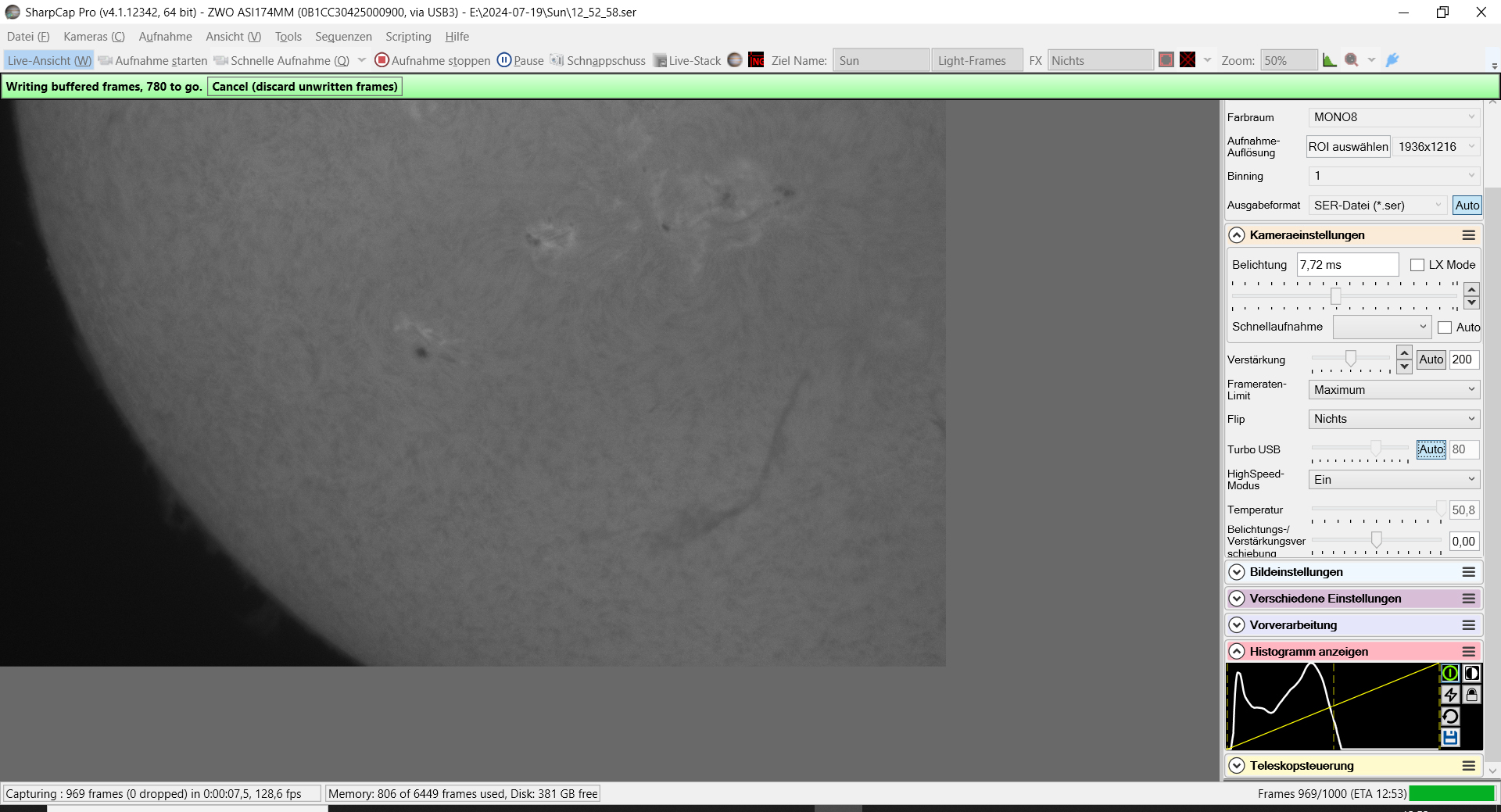
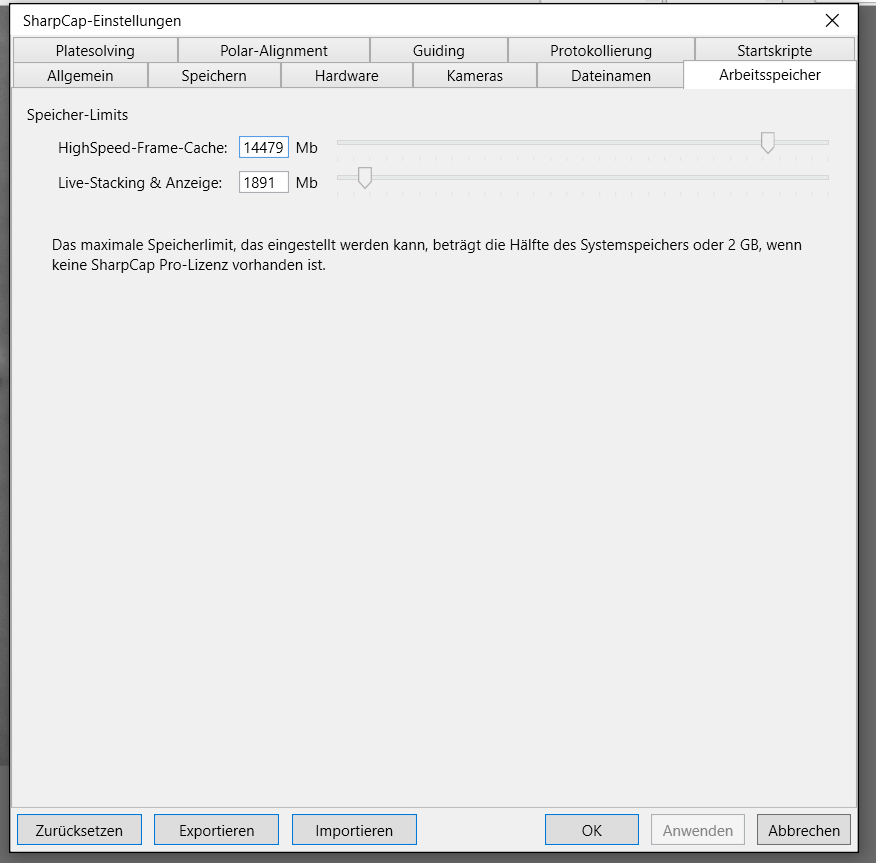
I have the following problem: When I want to record a sequence, it sometimes takes a while until the images are transferred from memory. Can someone help me with the log file?
Maybe my storage settings in SharpCap are wrong?
The problem exists with the internal hard drive (SSD) and with the external one (USB3).
Camera is also connected via 2m USB3 cable.
All drivers are up to date.

I already tried the tips here from the forum: change USB high speed on off, TurboUSB 80%, 100%, 40%...


Image

Image

Many thanks

Andreas
Attachments
Log_2024-07-21T11_24_08-9736.rar
(50.59 KiB) Downloaded 113 times
User avatar
admin
Site Admin
Posts: 17517
Joined: Sat Feb 11, 2017 3:52 pm
Location: Vale of the White Horse, UK
Contact:

Re: Frames in memory after record with ASI174MM

#2

Post by admin »

Hi,

just in case anyone else comes along with the same issue, I will link to my reply to your similar post here :viewtopic.php?p=43932#p43932

From the log, it does look very much like the disk/SSD is failing to keep up with the data write speed after the first few captures. The first ones may be working fine because Windows is caching writes to the disk, or because the disk slows down after some amount of data is written...

The trick is to make lots of space on the disk, optimise it, then try some test captures - if the first few are fine after the cleanup/optimise but then the problem appears then it is very likely the disk slowing down once the single bit per cell 'fast area' of the SSD is filled.

cheers,

Robin
Post Reply