Color balance while making a mosaic
Posted: Sat Feb 10, 2024 10:46 pm
A few days ago I took lots of pics using SharpCap to control my ZWO ASI2400MC-Pro camera. The goal was to make a 2x2 mosaic of the Rosette Nebula. After hours of processing in Photoshop, I was able to get a nice mosaic...
https://vanderbei.princeton.edu/images/ ... -33pct.jpg
It was a challenge because the left two images had a very different coloring from the right two images. Here's how things looked before recoloring...
https://vanderbei.princeton.edu/tmp/NGC ... -20pct.jpg
I'm very puzzled why the colors don't match. All I did was take a 35 minute sequence of 30-second exposures (saved every 5 minutes) in one corner, then I turned paused the sequence capture, went to LiveView with 1 second exposures, repositioned the scope to a different corner and then restarted the sequence capture. Did I do something wrong? Is there a better way to capture mosaics?
https://vanderbei.princeton.edu/images/ ... -33pct.jpg
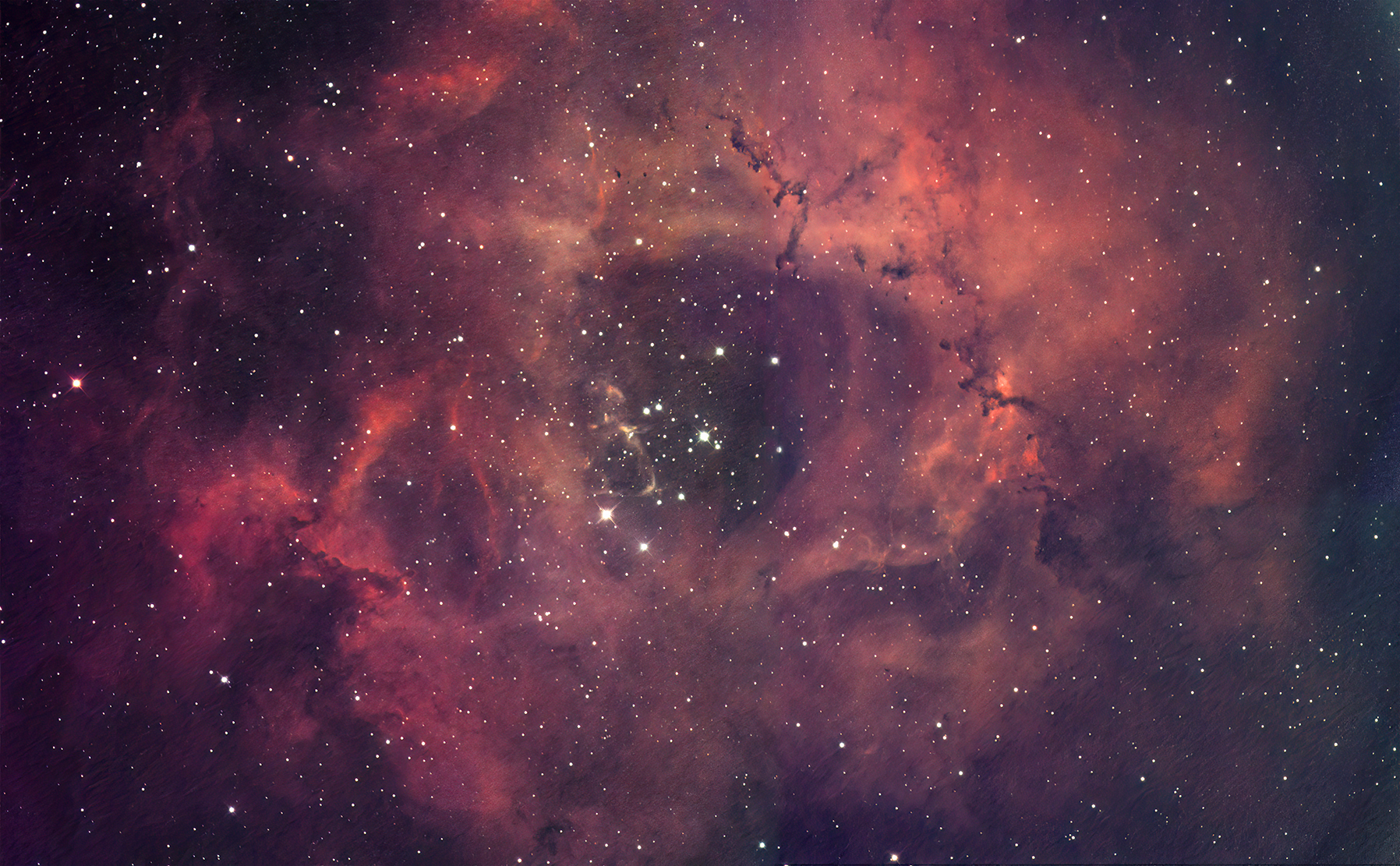
It was a challenge because the left two images had a very different coloring from the right two images. Here's how things looked before recoloring...
https://vanderbei.princeton.edu/tmp/NGC ... -20pct.jpg

I'm very puzzled why the colors don't match. All I did was take a 35 minute sequence of 30-second exposures (saved every 5 minutes) in one corner, then I turned paused the sequence capture, went to LiveView with 1 second exposures, repositioned the scope to a different corner and then restarted the sequence capture. Did I do something wrong? Is there a better way to capture mosaics?