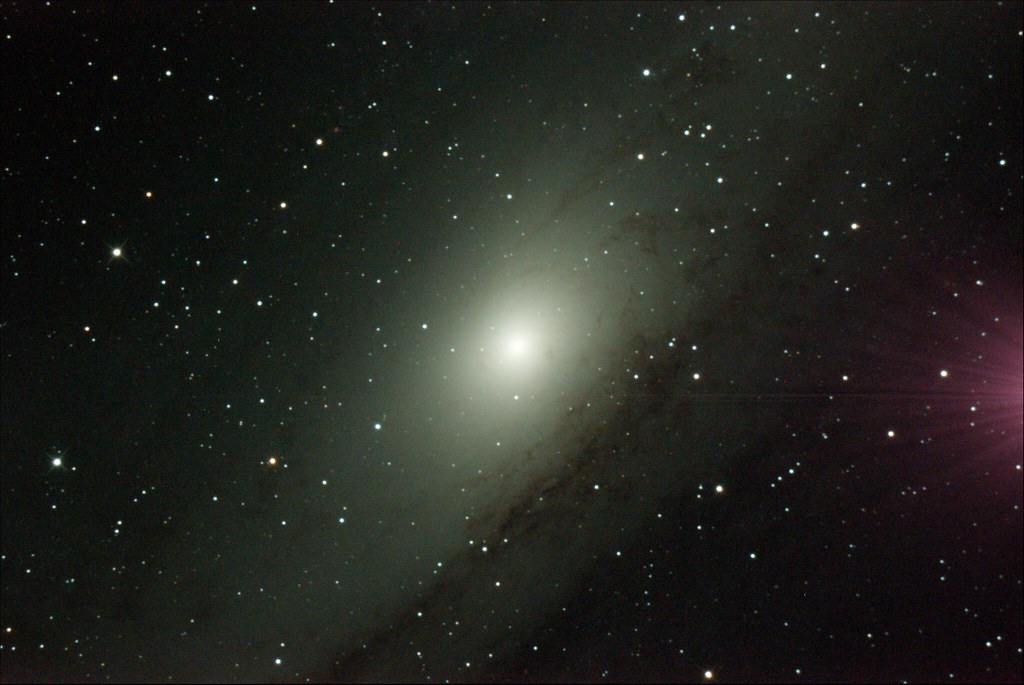
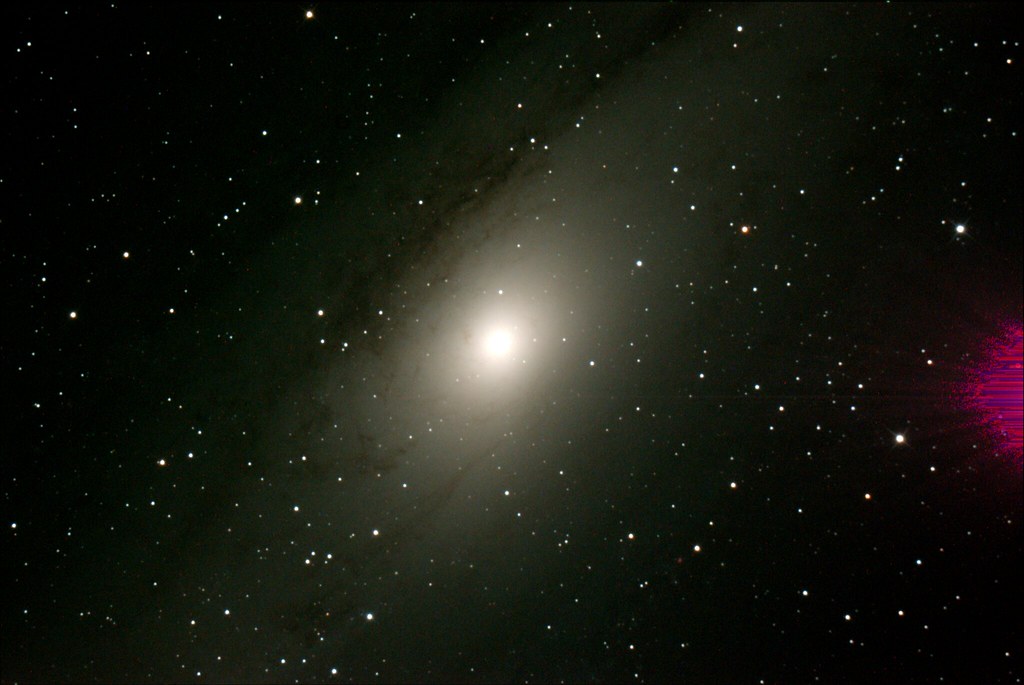
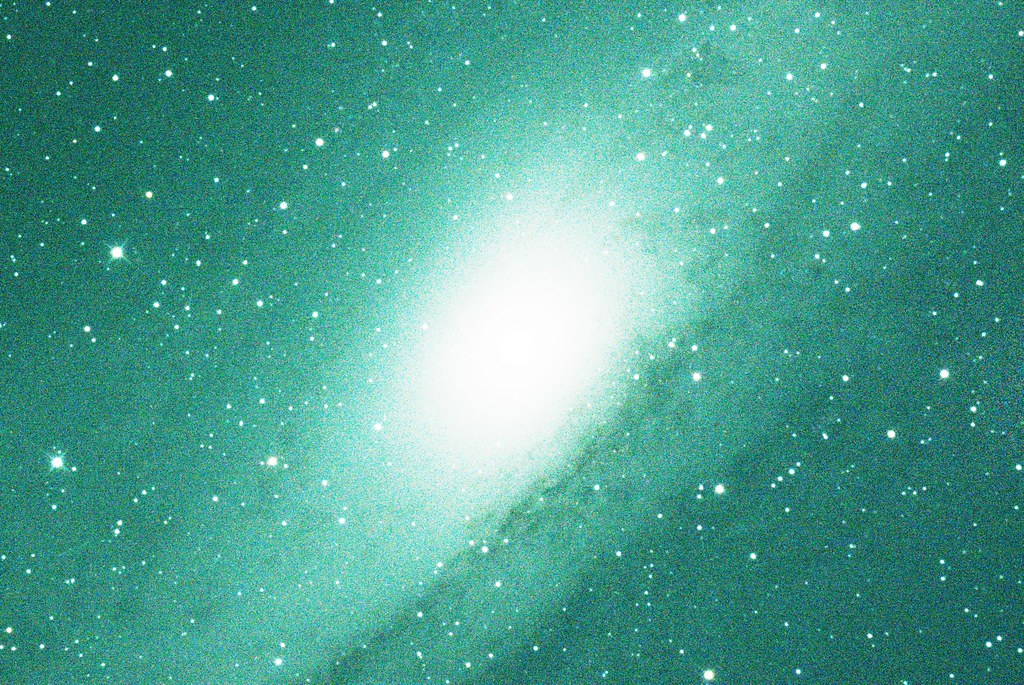
Astrotoaster is a live stack application that uses Deep Sky Stacker. It can be found here
http://www.astrotoaster.com/
I used Astrotoaster as an example that I'm able to create dark frames and apply to light frames with the final images not containing amp glow or artifacts / color gradients. I'm using SharpCap to capture the raw data and processing via Astrotoaster. My hunch is the problem lies in how SharpCap applies the dark to the live stack. The master dark that Astrotoaster creates is in .tif format. No fits file header available but Astrotoaster generates a .txt file with fits information. This is included below.
I have been unable to see any differences between the files. Hope someone may find something I overlooked. Please let me know if you need further information or testing.
Thanks for your assistance!
Here is google drive for raw fits files
https://drive.google.com/drive/folders/ ... sp=sharing
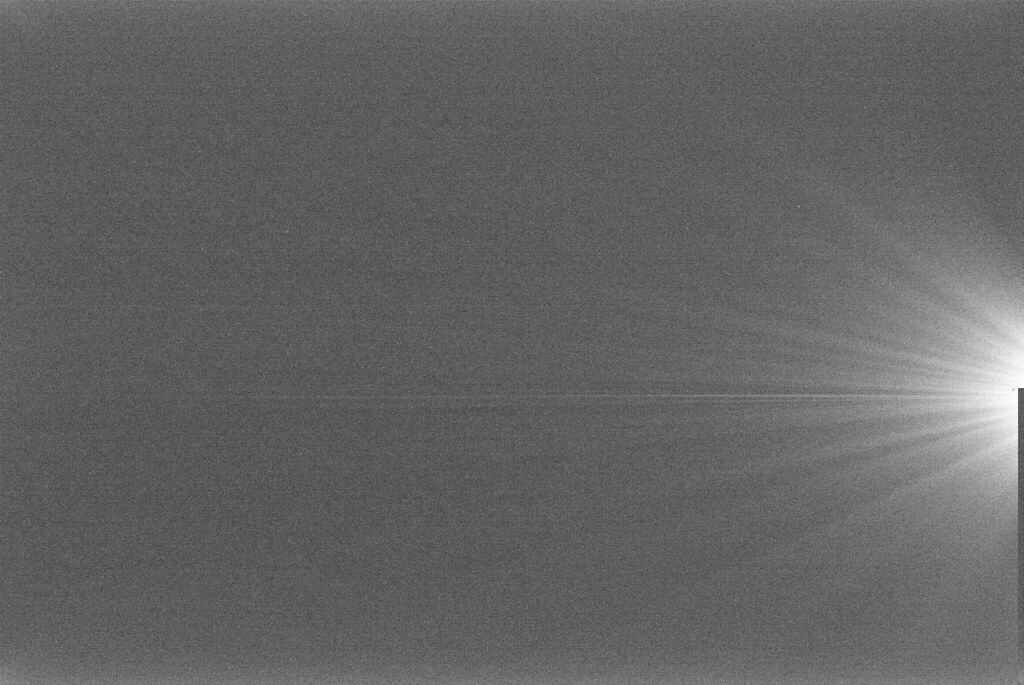
This image has had Photoshop Equalize applied to show the amp glow captured in the dark frame.
Bitmap.BitPerChannels=16
Bitmap.FileName=C:\Users\Chris\Desktop\SharpCap Captures\2018-10-15\Dark_120s_250g_bin2\00_50_48\MasterDark_ISO0_120s.tif[10/15/2018 12:57:07 AM]
Bitmap.Height=1836
Bitmap.NrChannels=1
Bitmap.Width=2744
Dark_Iteration=5
Dark_Kappa=2.0000
Dark_Method=1
Fits.BayerPattern=1
Fits.BlueScale=1.0000
Fits.Brighness=1.0000
Fits.DSLR=Generic RGGB
Fits.FITSisRAW=1
Fits.ForceUnsigned=0
Fits.RedScale=1.0000
----FileList----
C:\Users\Chris\Desktop\SharpCap Captures\2018-10-15\Dark_120s_250g_bin2\00_50_48\Dark_120s_250g_bin2_00001.fits[10/15/2018 4:50:59 AM]
C:\Users\Chris\Desktop\SharpCap Captures\2018-10-15\Dark_120s_250g_bin2\00_50_48\Dark_120s_250g_bin2_00002.fits[10/15/2018 4:53:00 AM]
C:\Users\Chris\Desktop\SharpCap Captures\2018-10-15\Dark_120s_250g_bin2\00_50_48\Dark_120s_250g_bin2_00003.fits[10/15/2018 4:55:00 AM]
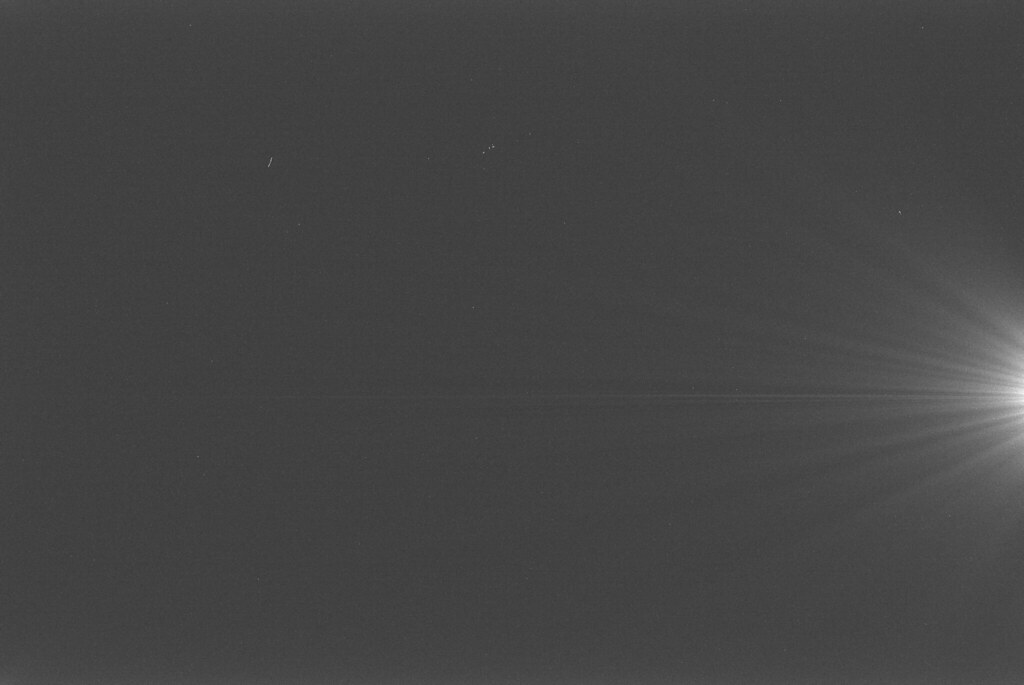
This image stretched in FITS Liberator to show amp glow captured in the dark frame
Header Information for SharpCap created dark frame 5x120s 250gain bin2
Image #1
SIMPLE = T / C# FITS: 10/14/2018 21:32:15
BITPIX = 16
NAXIS = 2 / Dimensionality
NAXIS1 = 2744
NAXIS2 = 1836
EXTEND = T / Extensions are permitted
BZERO = 32768 /
BSCALE = 1 /
COLORTYP= 'GBRG ' / NOTE: Use RGGB on some software (eg PixInsight)
BAYERPAT= 'GBRG ' / NOTE: Use RGGB on some software (eg PixInsight)
BAYOFFX = 0 /
BAYOFFY = 1 /
SWCREATE= 'SharpCap' / 3.2.5781.0
DATE-OBS= '2018-10-15T01:32:15.4052656' / System Clock:Frame Received