Page 2 of 3
Re: Beginner Questions
Posted: Thu Aug 08, 2024 12:30 am
by jonstarrysky
Thx for the replies folks. Will aim to post some "save as seen" images for feedback, I guess some good and some ugly.
This kind of setup, limited to short 4s individual frames and oversampled stars, may suggest some adjustment to typical strategies in SharpCap:
With the 0.5"/ pixel oversampling and imperfect tracking, stars are ~6-20 pixels in diameter which might start becoming suboptimal for Sharpcap eg if default max star size for alignment during livestack is set at default 100 pixels/ star (is that area or diameter ??) vs. bright stars perhaps being ~300 pixel area on the image. Will check star detection status next time and maybe tweak Alignment Settings eg the 100 limit to 300. In the stacklog file Detected Star Count = 2-6 for Stephans Quintet area and 4-15 for M27. The M27 image contains literally thousands of stars clearly visible though....
Limited to 4s frames dialling down the camera from 16 bit RAW may be a consideration eg to 8 bit RAW. Certainly on the mini histogram the data is always hugging close to the Y axis which makes that tool hard to use. 16 bit may just mean the image file covers swathes of grey levels which remain unused due to the short exposures....Native output for this camera is 12bit
Re: Beginner Questions
Posted: Mon Oct 07, 2024 7:20 pm
by pastorgalactico
Hi;
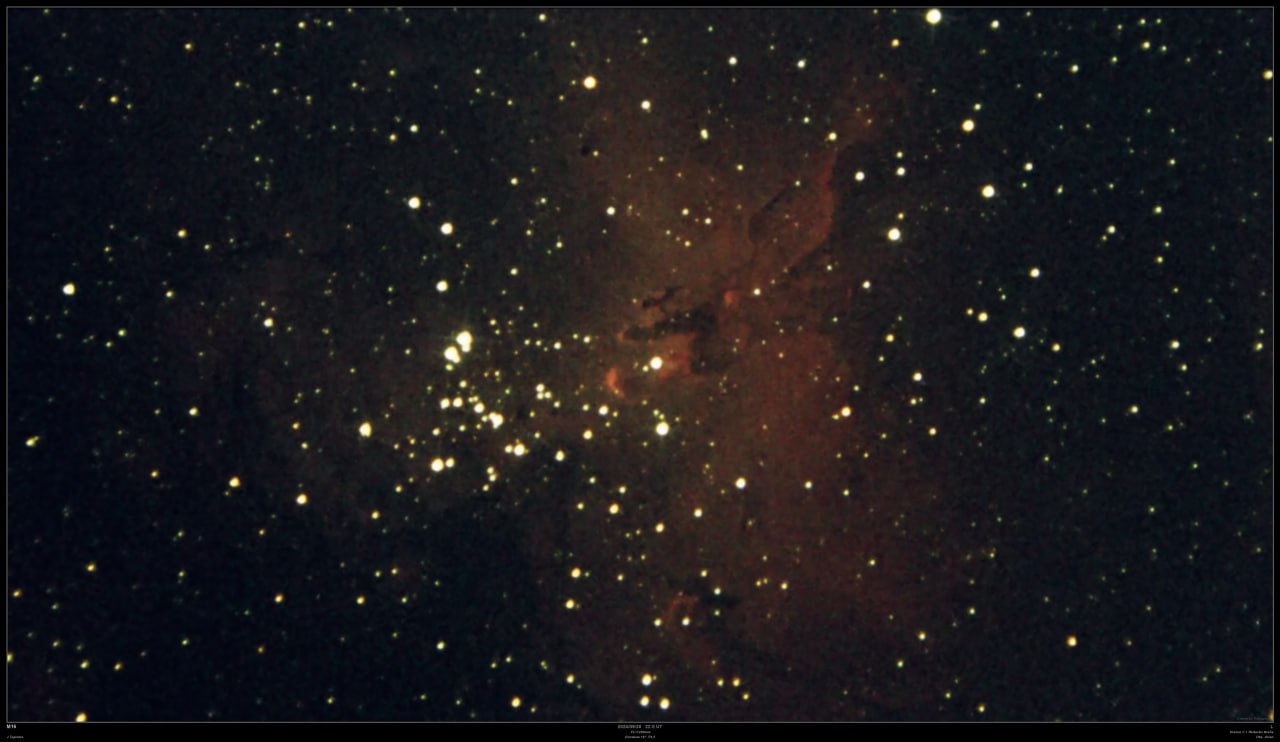
I used my 16" F4.5 Dobsonian with the Picgoto V4 system and a 0.67X focal reducer to get this M16. It was 10 minutes of live stacking with 2" exp at 600 gain with a Player One Uranus C camera.
Hope you like it.
Regards.
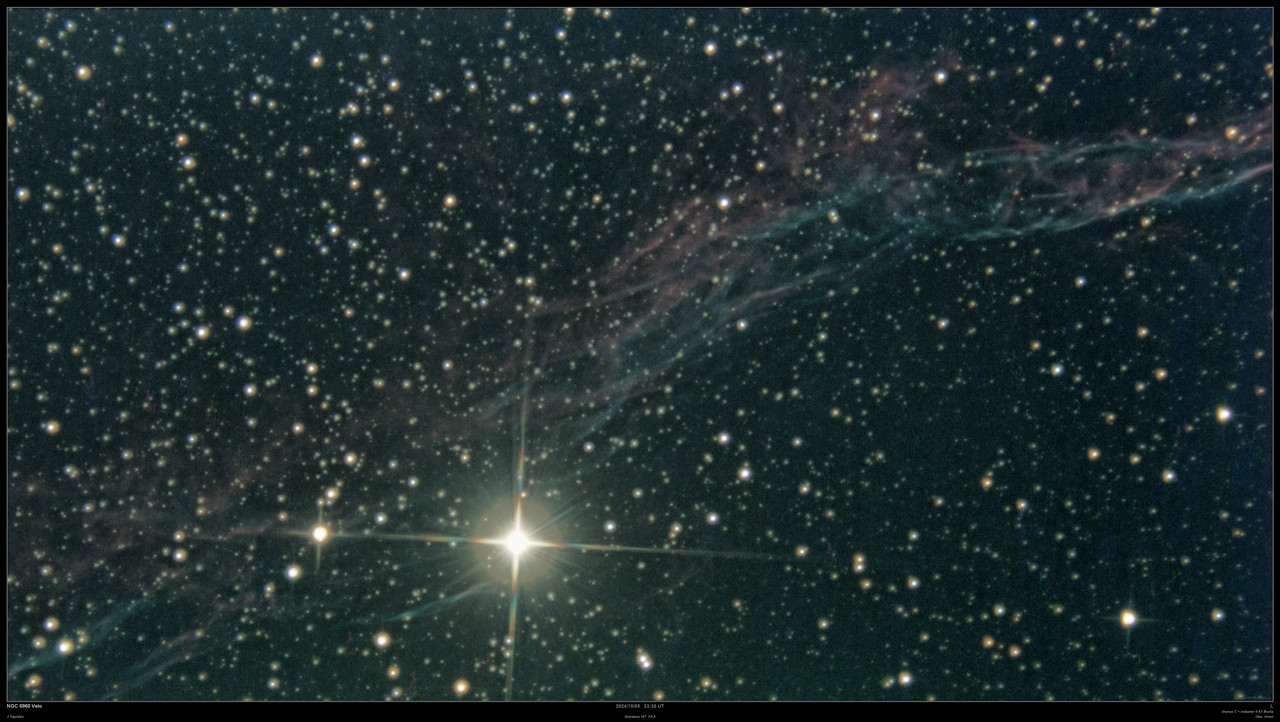
I also got this image of the swan's veils, part of the broom along with 52 Cyg.
Re: Beginner Questions
Posted: Fri Oct 18, 2024 6:05 pm
by ngc2359
Relative to this discussion including using the ServoCAT/Argo Navis combo for imaging. My name is Gary Myers, I created/designed/sold the ServoCAT from late 2001 through 2023 when I sold the business. I am just now getting in to using the system for imaging with my Obsession 12.5" Classic dob. I've been very pleasantly surprised at how well it all works. I use it with SharpCap and I do use the Push-to assistant (but I also have ASCOM drivers installed).
Re tracking - first of a few things to note - you need to optimize your ratios and your backlash! You can't expect the best out of any system unless its used to its fullest potential and just a stock system that hasn't been optimized isn't going to perform as well as it could. I can routinely do 10 - 15 second exposures and have very nice stars. There are docs on the supplied CD to do this optimization.
If you use AutoLOCK, which works extremely well showing zero accumulated error all-night-long on a point in space (note that does not say object due to field rotation)... then you need to realize that it will take out backlash automatically but that process takes 5 - 20 seconds or so... so just keep hitting clear until it has settled down to round stars - then go with LIVE STACK.
Gary Myers
StellarCAT
Re: Beginner Questions
Posted: Wed Oct 30, 2024 4:19 pm
by AMIF
Sharpcap 4.1+ saves two kinds of stacked FITSes: 16 and 32 bit simultaneously. I tried to activate checkbox for 12 bit saving, but nothing helped. Would you please inform how to save just 16 bit stacked images?
Re: Beginner Questions
Posted: Thu Oct 31, 2024 2:24 pm
by admin
Hi,
the options to save either (or both) of 16 and 32 bit stacks when using deep sky live stacking are located in the 'Settings' tab on the right hand side of the other live stacking tabs. These options only apply when the stack is auto-saved, which can happen when you clear or close live stacking. You can always choose to save in one of these formats manually from the main live stack save button.
When live stacking is not involved, SharpCap will save FITS images with the data direct from the camera. If the camear is in a 12 bit mode, SharpCap will automatically expand the data to 16 bits (multiply all values by 16) as this avoids beginner confusion when the image looked OK on screen but the saved image looks black. This expansion to 16 bit can be turned off (for advanced use - generally photometry) in the saving settings tab of the main SharpCap settings.
cheers,
Robin
Re: Beginner Questions
Posted: Thu Oct 31, 2024 3:30 pm
by AMIF
Thank you for the kind explanation! I did find live stacking settings finally but regrettably 32 bits is not activated! However SC saves both formats. It is not serious problem, but I do not understand the reason.
BTW what do you recommend for photometry of 12 bits camera images - 16 or true 12? Photometry of variable stars is my main aim. I use 16 bit SERs got with ASI432MM and Asicap, stack and calibrate them with DSS and then process final images with VPhot. I hope very much on SC live stacking, especially if SC may solve stacked image and keep coordinates in FITS header! It will improve my strange technology.
Re: Beginner Questions
Posted: Fri Nov 01, 2024 3:48 am
by AMIF
Sharp Cap saves 16+32 just automatically (Advanced -> Save and reset every...), but after manual interruption of stacking it saves just 16 bits FITS.
Re: Beginner Questions
Posted: Fri Nov 01, 2024 10:32 am
by admin
Hi,
what version of SharpCap are you using and what do you mean by 'manual interruption of stacking'? What are you doing to interrupt it? I will test...
cheers,
Robin
Re: Beginner Questions
Posted: Fri Nov 01, 2024 12:12 pm
by AMIF
I tested v4.1.12639 well as v3.2 with the same result.
Manual stop means pressing Clear button or closing of Live Stack window.
Re: Beginner Questions
Posted: Sat Nov 02, 2024 3:18 pm
by admin
Hi,
3.2 is too old to be a useful test - it's quite possible that things were deliberately done differently back then.
I have just tested the latest 4.1.12730 and I find that both the 16 and 32 bit autosave files are created correctly on clear or close of live stacking when both are enabled in the livestack settings. You may only see one notification bar pop up if the saves are fast (the first one quickly gets overwritten by the second).
cheers,
Robin