Lock camera settings
Forum rules
If you have a problem or question, please check the FAQ to see if it already has an answer : https://www.sharpcap.co.uk/sharpcap-faqs
If you have a problem or question, please check the FAQ to see if it already has an answer : https://www.sharpcap.co.uk/sharpcap-faqs
Lock camera settings
I frequently switch between my tracking/finder camera and imaging camera when centering/finding objects. Is there a way to lock the settings on each camera so I don't need to set gain/exposure,etc. every time I select one or the other camera?

Re: Lock camera settings
Hi and welcome
You can save and manage different Capture Profiles.
In this screenshot you can see it on the top right.
Menno
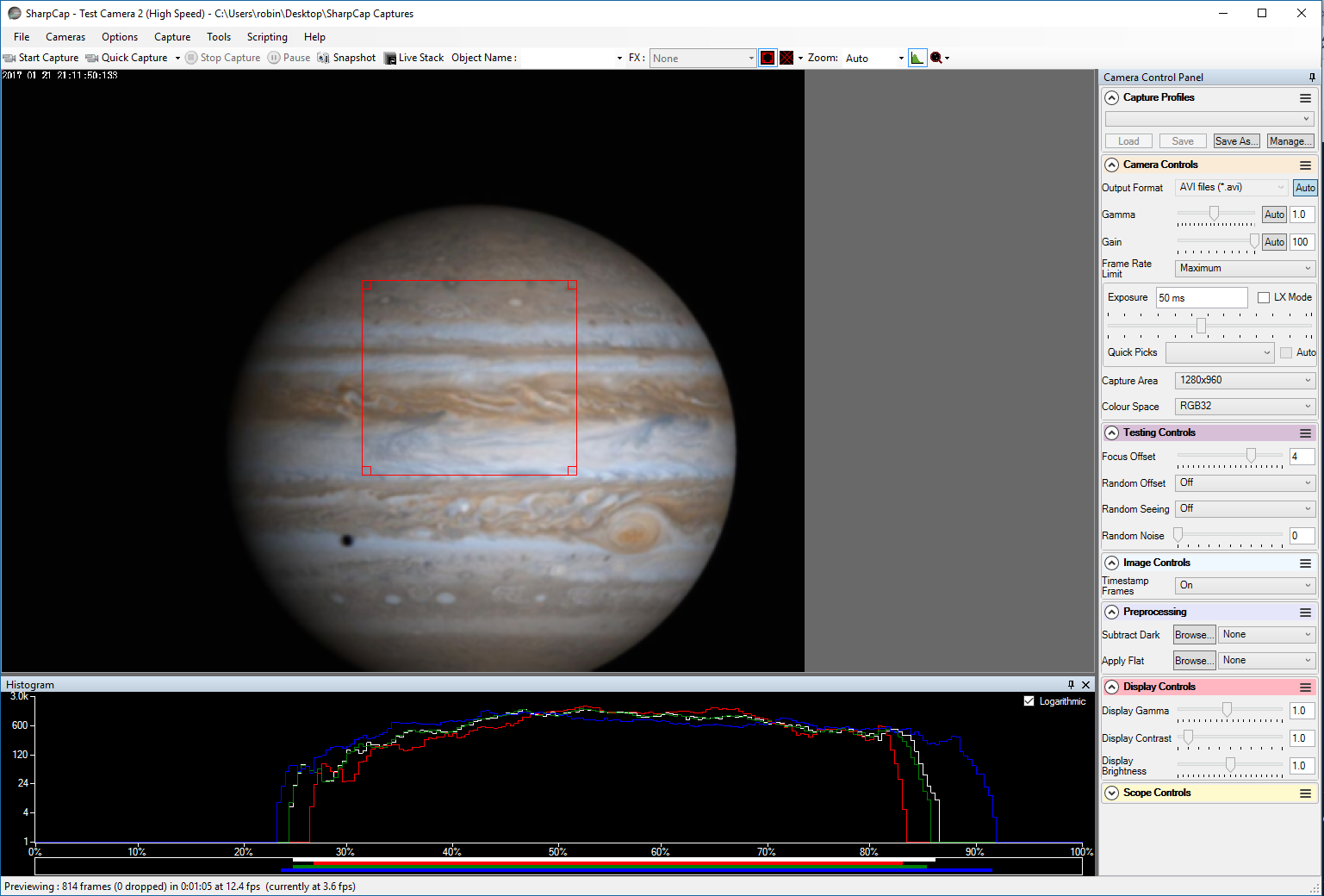
You can save and manage different Capture Profiles.
In this screenshot you can see it on the top right.
Menno
Meade LX200 8" f/10 ACF OTA / Ioptron CEM25EC / Zwo ASI071MC Pro / Zwo ASI482MC
-
admin

- Site Admin
- Posts: 17496
- Joined: Sat Feb 11, 2017 3:52 pm
- Location: Vale of the White Horse, UK
- Contact:
Re: Lock camera settings
Hi,
Menno is exactly right - capture profiles are the way to go here. More documentation on them available here : https://docs.sharpcap.co.uk/4.0/#Capture%20Profiles
Note that you can set a particular profile as 'default' for each camera - those settings will then get loaded automatically when you open the camera.
cheers,
Robin
Menno is exactly right - capture profiles are the way to go here. More documentation on them available here : https://docs.sharpcap.co.uk/4.0/#Capture%20Profiles
Note that you can set a particular profile as 'default' for each camera - those settings will then get loaded automatically when you open the camera.
cheers,
Robin